

Four Methods for Teeth Whitening in Photoshop

Posted in Photo Retouching on December 5th, 2008 by admin

alienafter-300x106 Four Methods for Teeth Whitening in Photoshop

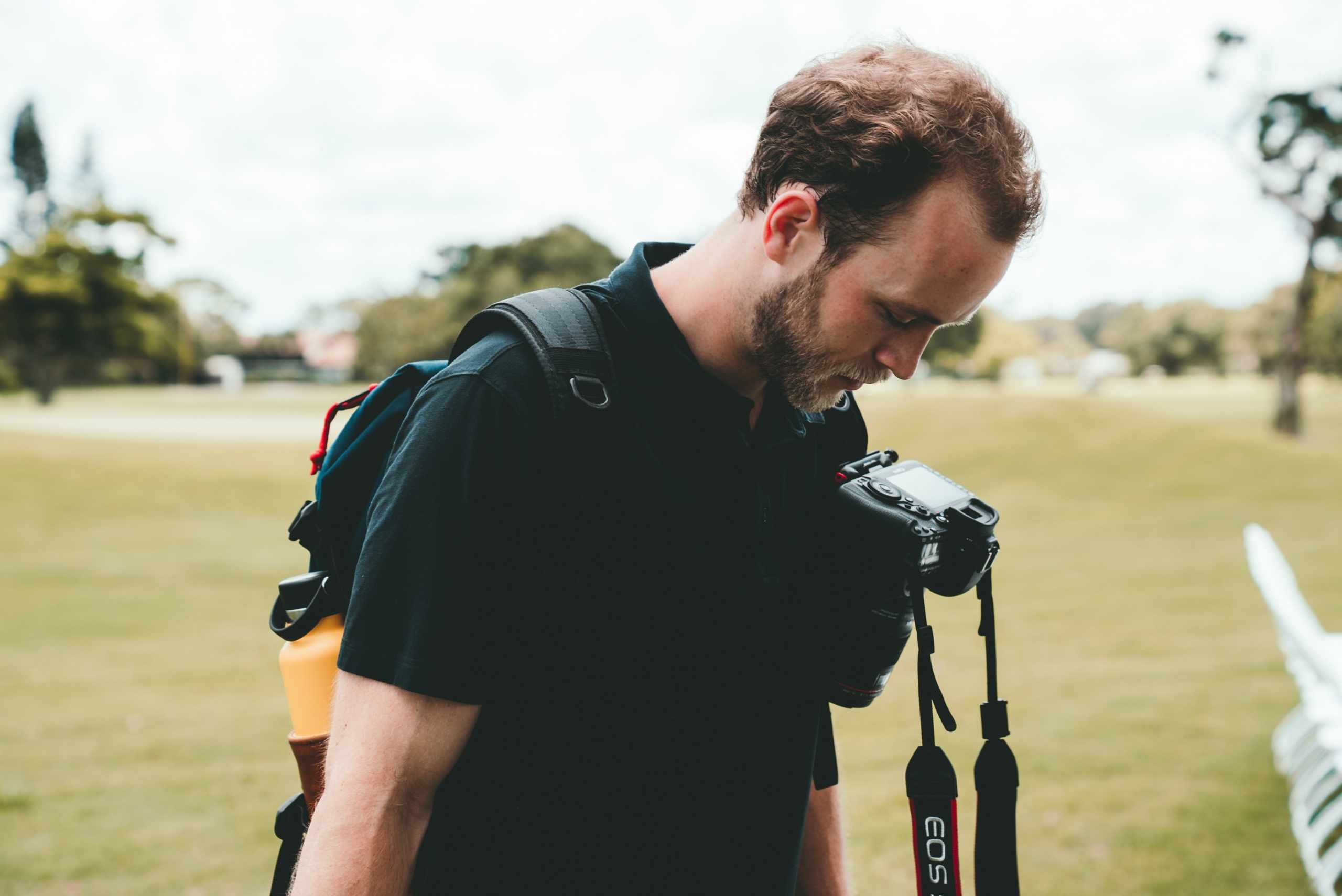
As part of my series of basic portrait retouching techniques, I want to give you some options on whitening teeth—Photoshop options, that is. I’m not here to sell you white strips or bleaching trays. In fact, I don’t want photos that end up with fluorescent blue/white Regis Philbin teeth, just something realistic and a little less yellow Introduction

Read more »

Create a Glowing Vector Lightsaber

Posted in Illustrator on December 5th, 2008 by admin

saber Create a Glowing Vector Lightsaber

Create a new letter sized document. Use the Rectangle Tool (M) and create a rectangle 36 px wide by 216 px tall.

With the rectangle selected go to Filter > Stylize > Round Corner to bring up the Round Corners dialog. Change the Radius to 11 px.

Read more »

3D Studio MAX Mental Ray tutorial

Posted in 3d Studio Max on December 5th, 2008 by admin


diamond_model_in_3ds_max-300x228 3D Studio MAX Mental Ray tutorial

I use my diamond models but you could just use the Hedra primitive (Create > Extended Primitives > Hedra) to create some jewels in seconds. Just create two Hedra objects and place them on a Plane object to create something similar to my scene. Change the color of the Plane object to white. Create a camera and make sure that you don’t see the edges of the Plane object in the view. Change the size of the Plane object when necessary.

Read more »

Making of The Patient by Ten24

Posted in 3d Studio Max on December 5th, 2008 by admin

projectioncamsmallvideo-300x182 Making of The Patient by Ten24

The following article isn’t intended to be a tutorial as such but rather a focused ‘making of’ during which I will attempt to explain a lot of my working practices and techniques. I’m going to illustrate this with Videos and images where appropriate. I’ve also included at the bottom of the article a link to the scene file, which includes a version of the scene with a frozen mesh and all the textures in JPG format at full resolution. I have no intention of discussing modeling or sculpting techniques, as there are already thousands of head modeling tutorials out there and I really don’t think there is anything I can tell you that you wont find better demonstrated elsewhere. Instead I want to focus on the Texturing, Shading, Lighting, Rendering and grading of this image.

Read more »

Cell Shading in 3d Studio max tutorial

Posted in 3d Studio Max on December 5th, 2008 by admin

basic_rendering_in_3d_studio_max-300x228 Cell Shading in 3d Studio max tutorial

In 3D graphics cell shading (also called cartoon shading or toon shading) means a material / rendering method that produces to a result that looks like a hand drawn picture. The purpose of cell shading is to create a rendering that looks like cartoon or comic book style.

In this cell shading tutorial I cover a method of doing cell shading in 3DS MAX with the scanline renderer. Of course cell shading can be done by using Mental Ray’s Ink’n Paint material but in this tutorial I concentrate on a method that is very fast and works with both scanline renderer and Mental Ray.

continue

3D Modeling of a Human Head

Posted in 3d Studio Max on December 5th, 2008 by admin

3d_modeling_a_human_head_with_polygons_in_3ds_max-300x228 3D Modeling of a Human Head

Human head is one of the most difficult subjects to model believably. The structure and form of a human face is so familiar to everyone that even a small fault in the 3D model is easy to notice.

Read more »

Design a disco ball with illustrator tutorial

Posted in Illustrator on December 5th, 2008 by admin

disco-300x143 Design a disco ball with illustrator tutorial

I saw few Illustrator tutorials in the web, but i didn’t really like the final image, so I had to think and find the right way for drawing a more realistic disco ball… If you are interested, please see below the instruction :)
Create a New Document and then create a rectangular shape (I choosed ~ 175*175px). Fill it with bright radial gradient. Rasterize your image. In the top menu go to Object-Rasterize and just clik “ok” not changing anything there. Then enlarge your square a bit (~150%)

Read more »


Page 14 of 37«123456789101112131415161718192021222324252627282930»...Last »